
Hosting Tutorials
Search results for:
Table of Contents
Configure Filezilla Manually
Configure Filezilla automatically
Connect FTP Configuration Files in cPanel using FileZilla
Configure Filezilla Manually
Configure Filezilla automatically
You can connect Filezilla to your cPanel either manually or with a script that automatically configures Filezilla for you. You may also use CoreFTP or Cyberduck in the same way.
Configure Filezilla Manually
Download and install Filezilla
Open Filezilla

Put in the same username and password as you use to login to your cPanel

Port should be set to 21 – if it's not, enter 21

Enter in your domain name such as domainname.com

- Click connect
Configure Filezilla automatically
Download and install Filezilla
Go to cPanel
Go to FTP Accounts under File Manager
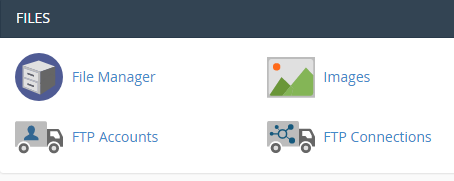
Click Configure FTP account next to the account you want to connect with

Click the FTP Configuration File under Filezilla to download the script.
**
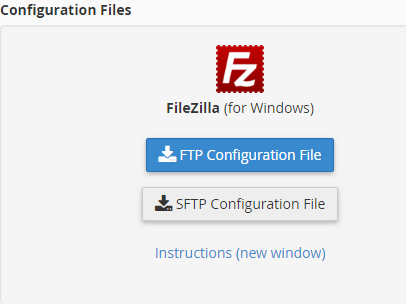
**
Run the script
Written by Michael Brower / December 13, 2016